Discover how website speed improves Google rankings, AI search visibility, Core Web Vitals, user experience, and conversions with practical optimization strategies to boost SEO performance in 2026.
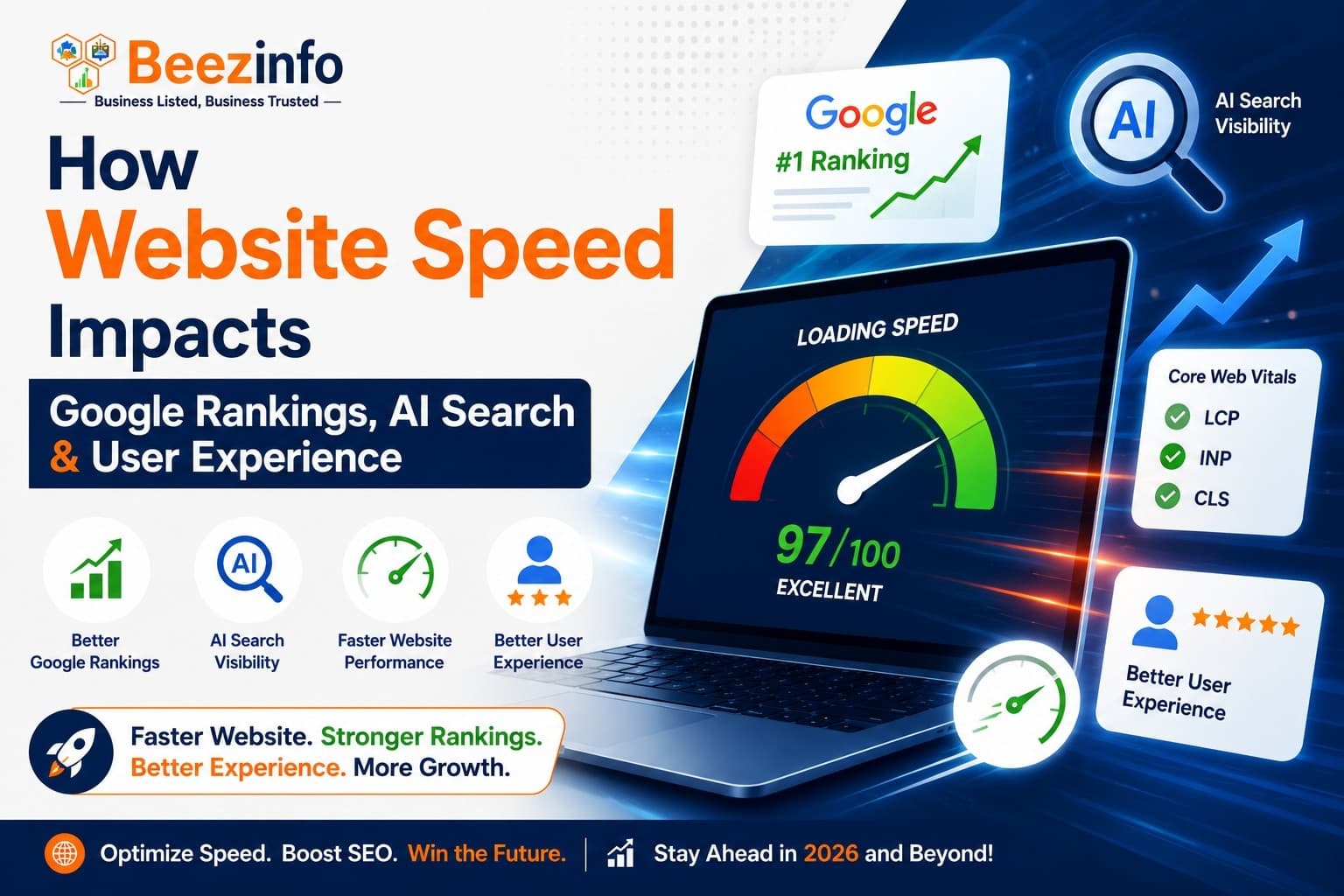
In today's digital world, website speed is no longer just a technical metric—it is a business growth factor. Whether you're trying to rank higher on Google, appear in AI-powered search results like Google AI Overviews, ChatGPT, Perplexity, or improve your conversion rate, website speed directly influences your success.
Users expect websites to load instantly. If your page takes more than a few seconds, visitors are likely to leave before seeing your content. Search engines and AI systems recognize this behavior and often reward faster websites with better visibility.
In this guide, you'll learn how website speed affects Google rankings, AI search optimization, user experience (UX), and what you can do to improve your site's performance in 2026.
What Is Website Speed?
Website speed refers to how quickly your web pages load and become interactive for users. It includes several performance metrics rather than just the total loading time.
Some important speed metrics include:
- Largest Contentful Paint (LCP): Measures how quickly the main content appears.
- Interaction to Next Paint (INP): Measures how responsive your website is to user interactions.
- Cumulative Layout Shift (CLS): Measures visual stability while the page loads.
- Time to First Byte (TTFB): Measures how quickly your server starts responding.
- First Contentful Paint (FCP): Measures when users first see content.
Together, these metrics determine how users and search engines experience your website.
Why Website Speed Matters for SEO
Google has repeatedly confirmed that page experience and performance influence search rankings. While quality content remains the most important ranking factor, slow websites struggle because they create poor user experiences.
A fast website helps:
- Improve crawl efficiency
- Reduce bounce rates
- Increase time on site
- Improve mobile usability
- Boost Core Web Vitals
- Increase conversion rates
When users stay longer and interact more with your content, Google receives stronger engagement signals that support better rankings.
Website Speed and Google Core Web Vitals
Google evaluates websites using Core Web Vitals, which measure real-world user experiences.
1. Largest Contentful Paint (LCP)
Ideal score:
Under 2.5 seconds
If your hero image, heading, or important content loads slowly, users often abandon the page.
2. Interaction to Next Paint (INP)
Ideal score:
Below 200 milliseconds
Fast interaction means buttons, forms, menus, and navigation respond instantly.
3. Cumulative Layout Shift (CLS)
Ideal score:
Below 0.1
A stable page prevents accidental clicks caused by moving content.
How Slow Websites Hurt Google Rankings
A slow website creates multiple SEO problems:
Higher Bounce Rate
Users quickly leave slow websites.
Higher bounce rates often indicate poor user satisfaction.
Lower Crawl Efficiency
Googlebot has a crawl budget.
If pages load slowly, fewer pages may be crawled and indexed.
Reduced Mobile Rankings
Most users browse from smartphones.
Slow mobile websites lose rankings much faster than optimized mobile sites.
Lower Conversion Rates
Even a one-second delay can reduce:
- Lead generation
- Sales
- Form submissions
- User engagement
SEO is not just about traffic—it is about converting visitors into customers.
How Website Speed Affects AI Search
AI search engines have changed how people discover information.
Platforms like:
- Google AI Overviews
- ChatGPT
- Perplexity AI
- Microsoft Copilot
- Gemini
prioritize websites that provide:
- Reliable information
- Structured content
- Fast loading pages
- Excellent user experience
If an AI crawler struggles to access your website because it loads slowly or contains rendering issues, your content may receive less visibility.
Website Speed and AI Crawlers
Modern AI systems process huge volumes of webpages.
Fast websites provide:
- Faster crawling
- Better content extraction
- Improved structured data interpretation
- Cleaner HTML
- Better rendering
AI models prefer pages that are technically optimized because they're easier to understand.
Why User Experience Depends on Speed
Imagine opening two websites.
Website A:
- Loads in 1 second
- Smooth scrolling
- Fast navigation
- Responsive buttons
Website B:
- Loads in 6 seconds
- Images appear slowly
- Buttons freeze
- Layout keeps shifting
Which one would you trust?
Users naturally prefer faster websites because they feel more professional and reliable.
Good user experience leads to:
- Longer sessions
- More page views
- Higher conversions
- Better customer trust
- More returning visitors
Common Reasons Websites Become Slow
Many websites suffer from avoidable performance issues.
The most common causes include:
Unoptimized Images
Large images often account for most page weight.
Use:
- WebP
- AVIF
- Proper image dimensions
- Lazy loading
Too Many Plugins
Every unnecessary plugin increases:
- JavaScript
- CSS
- Database queries
Remove plugins you no longer use.
Poor Hosting
Cheap shared hosting can dramatically increase server response times.
Choose hosting with:
- SSD storage
- Latest PHP versions
- CDN support
- HTTP/3
- Server-side caching
Render-Blocking Resources
Large CSS and JavaScript files delay page rendering.
Minify and defer non-critical resources whenever possible.
No Browser Caching
Without caching, visitors download everything again on every visit.
Enable browser caching to improve repeat visits.
Best Practices to Improve Website Speed
Optimize Images
Compress images before uploading.
Use next-generation formats like WebP.
Enable Caching
Caching reduces server workload and speeds up page loading.
Use a Content Delivery Network (CDN)
A CDN serves content from servers closer to users, reducing latency worldwide.
Minify CSS and JavaScript
Remove unnecessary spaces, comments, and unused code.
Reduce HTTP Requests
Combine files where appropriate and eliminate unnecessary scripts.
Enable Gzip or Brotli Compression
Compressed files download significantly faster.
Optimize Fonts
Limit font families and preload important fonts.
Improve Server Response Time
Upgrade hosting if your TTFB remains high.
Implement Lazy Loading
Load images and videos only when users scroll to them.
Regularly Monitor Performance
Performance optimization is ongoing.
Test your website regularly after updates or design changes.
Tools to Measure Website Speed
Several free tools help identify performance issues:
- Google PageSpeed Insights
- Google Lighthouse
- GTmetrix
- WebPageTest
- Chrome DevTools
- Pingdom Website Speed Test
These tools provide recommendations for improving Core Web Vitals and overall performance.
Website Speed Is Also a Conversion Factor
Fast websites don't just rank better—they sell better.
Businesses with optimized websites often experience:
- Higher organic traffic
- Better lead generation
- Increased sales
- Improved customer satisfaction
- Stronger brand credibility
Visitors associate speed with professionalism and trustworthiness.
Website Speed and Mobile-First Indexing
Google primarily indexes the mobile version of websites.
Since most users browse on smartphones, your mobile site must:
- Load quickly
- Be responsive
- Display readable text
- Have optimized images
- Avoid intrusive pop-ups
A slow mobile experience can negatively impact both rankings and user engagement.
Final Thoughts
Website speed is one of the few SEO improvements that benefits search engines, AI platforms, and users simultaneously. In 2026, optimizing for speed isn't optional—it's a competitive advantage.
By improving Core Web Vitals, optimizing images, reducing unnecessary scripts, choosing reliable hosting, and delivering a fast mobile experience, you create a website that is easier to crawl, more likely to appear in AI-generated answers, and more enjoyable for visitors.
If you want higher Google rankings, better visibility in AI search, and improved conversions, start by making your website faster. Speed is no longer just a technical enhancement—it is a foundation for modern SEO success.
Frequently Asked Questions (FAQs)
1. Does website speed affect Google rankings?
Yes. Website speed is an important ranking signal because it impacts user experience and Core Web Vitals. Faster websites generally provide better engagement and improved search visibility.
2. What is a good website loading speed?
Aim for a page load time of under 3 seconds, with a Largest Contentful Paint (LCP) below 2.5 seconds for the best user experience.
3. Does website speed impact AI search results?
Yes. Fast, well-structured websites are easier for AI systems to crawl, interpret, and reference, increasing the likelihood of being featured in AI-powered search experiences.
4. What are Core Web Vitals?
Core Web Vitals are Google's performance metrics that measure loading speed (LCP), responsiveness (INP), and visual stability (CLS).
5. How can I make my website faster?
Optimize images, enable caching, use a CDN, minimize CSS and JavaScript, improve hosting, compress files with Gzip or Brotli, and regularly monitor performance using tools like Google PageSpeed Insights.